
A remote camera is 220 metres from the equipment room, and the quotation offers a switch with a 250-metre PoE mode. The distance appears to fit. The remaining questions are whether that mode carries the required traffic and whether the camera receives sufficient power over the installed channel.
Extended-distance modes are product-specific operating features. They should not be read as a general change to the limits of every Ethernet interface or cable installation. Some achieve longer reach by reducing port speed; other designs use different equipment or architectures. Read the exact model's conditions before comparing alternatives.
For the buyer, a useful acceptance statement includes distance, channel construction, operating speed, endpoint functions and delivered service. “Link comes up at 250 m” leaves most of the application untested.
Find the speed condition beside the distance claim
TP-Link's Extend Mode guidance provides a concrete example: for the model described, selected ports change to 10 Mb/s in Extend Mode, with the stated reach depending on cable and device conditions. This is evidence about that implementation, not proof that every long-distance PoE switch behaves identically.
When reviewing a TODAHIKA quotation, ask which ports support the proposed mode and what speed they use. Confirm whether the setting affects an individual port or a group and whether it changes other functions. Check the camera's supported link modes and obtain the relevant model-specific instructions.
A mode label on the enclosure is useful only when it can be tied to those conditions. If the supplier's page gives distance without the corresponding speed and power limits, ask for a completed application statement before treating it as a compliant offer.
A 10 Mb/s link is not 10 Mb/s of guaranteed video payload
Consider an illustrative camera sending an 8 Mb/s primary stream and a 1.5 Mb/s secondary stream across the same access link. Their combined video payload is already 9.5 Mb/s. Protocol overhead and other traffic still have to fit, and variable-rate behavior may increase demand at the wrong moment.
That is not a comfortable basis for approving a nominal 10 Mb/s link. The appropriate answer depends on the actual traffic, accepted image quality and equipment behavior. A quieter scene or a single low-rate test stream can hide the limiting condition.
Check whether viewing adds a separate stream across the camera link or whether the recorder redistributes an existing one. Include audio and any other required services. A camera's resolution label alone does not determine bandwidth: the configured codec, frame rate, scene and rate-control behavior all matter.
For planning, distinguish a storage-oriented average from a network ceiling. Axis's bitrate-control reference is useful for that distinction. Do not use a successful idle-scene demonstration as the only evidence for a long-distance port serving a busy entrance.
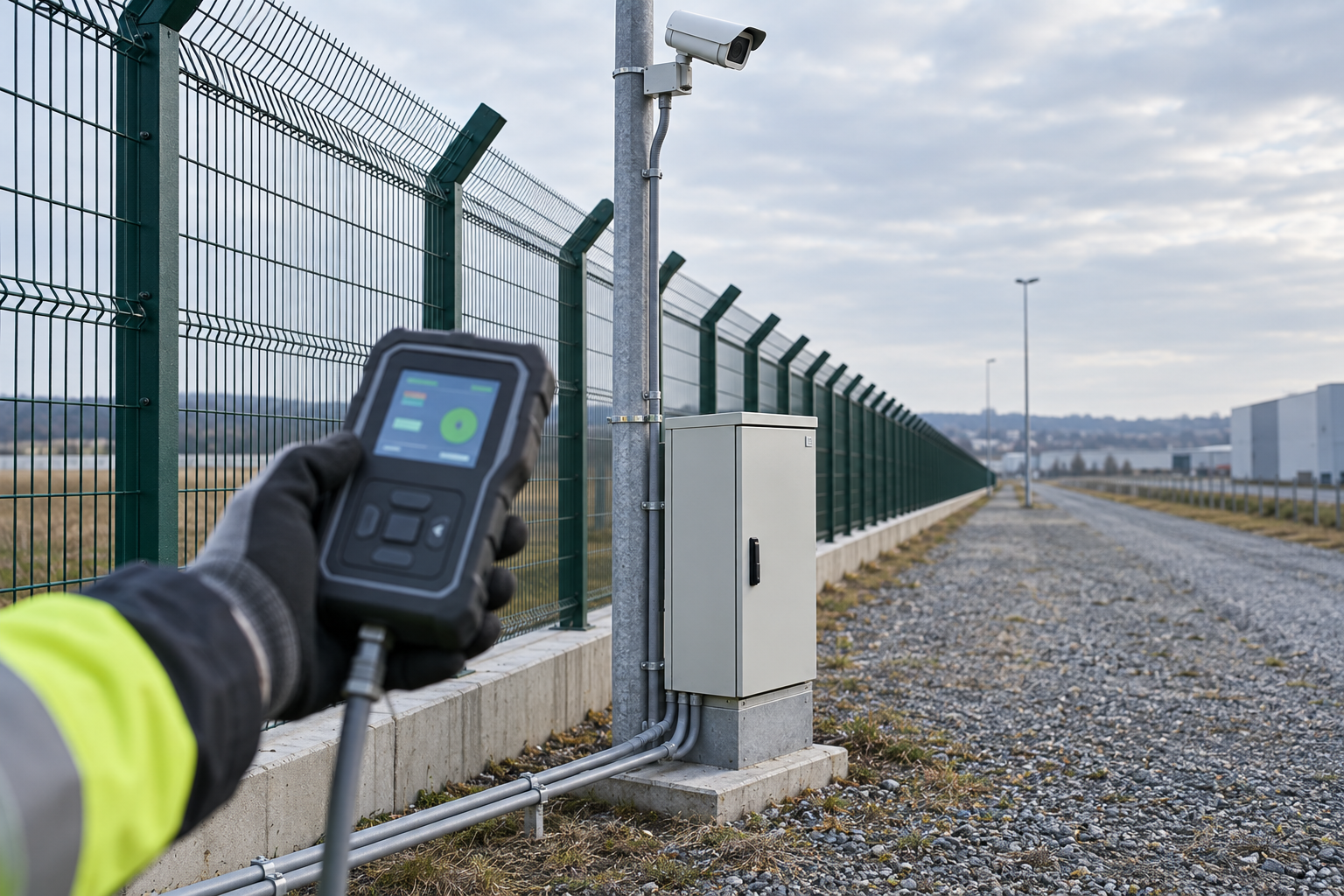
Power must be checked at the endpoint's demanding state
Longer copper channels introduce a different power-delivery case from a short bench lead. The endpoint's required functions must operate at the far end, including any supported mode that increases consumption. A camera that boots in daylight may still fail when a heater or illuminator is needed.
Request the supplier's supported load and channel conditions for the proposed reach. Identify the cable construction, conductor size, connector arrangement and environmental conditions used in the specification. Avoid turning a demonstration with one camera and one cable into a universal wattage promise.
The cable test should cover the properties relevant to both data and power. Fluke Networks discusses four-pair PoE and cabling considerations. Select the appropriate test limits for the actual installation; continuity alone does not establish the channel's performance.
Where the application uses an extender, include the extender's own demand and supported topology. The length of one segment, total route length and number of supported extenders are different specifications. Do not multiply a single-segment headline distance by an arbitrary number of devices.
Compare architectures by their maintenance consequences
| Approach | Questions to resolve before selection | Maintenance implication |
|---|---|---|
| Supported extended-distance copper mode | Speed, powered-device demand and approved channel | A simple route may be possible, but the accepted endpoint configuration becomes important |
| Fiber to a remote switch or converter | Optical compatibility, link budget and local power | Separates data reach from copper PoE reach, while adding a remote powered location |
| An approved Ethernet or PoE extender arrangement | Segment limits, total capacity, environmental rating and accessibility | Adds intermediate equipment that may require inspection or replacement |
| A wireless bridge with local endpoint power | Path clearance, radio conditions, capacity and power | Adds radio alignment and environmental operating considerations |
There is no universal winner. A site with available power at the camera pole may favor a different design from a site where adding a remote supply is the dominant cost. Include access for maintenance, spare equipment and the ability to identify a failed segment.
For routes between buildings or exposed outdoor structures, electrical and environmental design also matters. Specify the complete installation through qualified project design rather than treating a longer data reach as approval for any cable route. Fiber can change the data path's electrical characteristics, but a remote switch still needs a suitable power and enclosure arrangement.
Write a test that represents the installed channel
Begin with a short-channel compatibility test of the switch mode and endpoint. That helps distinguish an equipment mismatch from a long-channel problem. Then repeat using the actual installed route, including its connectors and patch leads.
Record the negotiated speed, relevant interface errors, endpoint uptime and the required video service. Exercise the scene and stream configuration that creates the highest relevant demand. If the installation depends on a particular camera power mode, enable that mode and retain evidence of its operation.
Test after a normal restart and after the approved loss-and-restoration case. A link that remains stable once established but fails to start reliably does not meet the same requirement as an unattended installation that recovers on its own. Where conditions vary significantly, identify which additional environmental validation is required.
Keep the acceptance claim narrow enough to be useful. State the tested equipment, cable route, speed and service configuration. If a future replacement camera needs more bandwidth or a higher power class, the previous result should trigger a new review rather than be used as blanket approval.
Ask for a quotation that names the conditions
Send the route length, cable details, endpoint model, required streams and power functions when requesting a TODAHIKA network switch. Ask the supplier to identify the applicable ports, speed, supported load and any restrictions associated with the extended mode.
If the required workload leaves little capacity at the stated speed, ask for an alternative architecture in the same inquiry. Comparing that alternative before installation is cheaper than discovering that a remote camera can be powered but cannot deliver the required video. The purchase should be based on the accepted service at the far end, with the distance claim serving as one condition among several.
Post time: Sep-22-2026


