
Most network installers have experienced this scenario: after spending an hour pulling a 150-foot cable through a ceiling, you mount a new wireless access point (AP) and terminate the RJ45 connection. You plug it in and wait. Thirty seconds pass, and the LED indicator remains off. It appears the AP is completely dead.
Before assuming the hardware is defective and initiating a Return Merchandise Authorization (RMA), check the infrastructure. In 90% of cases, the AP is not the issue. The problem typically lies in the power delivery or cabling between the switch and the ceiling device.
As a manufacturer of PoE switches and enterprise-grade APs, the Todahika engineering team encounters these support tickets daily. Below are four common reasons why wireless access points fail to power on, along with practical solutions.
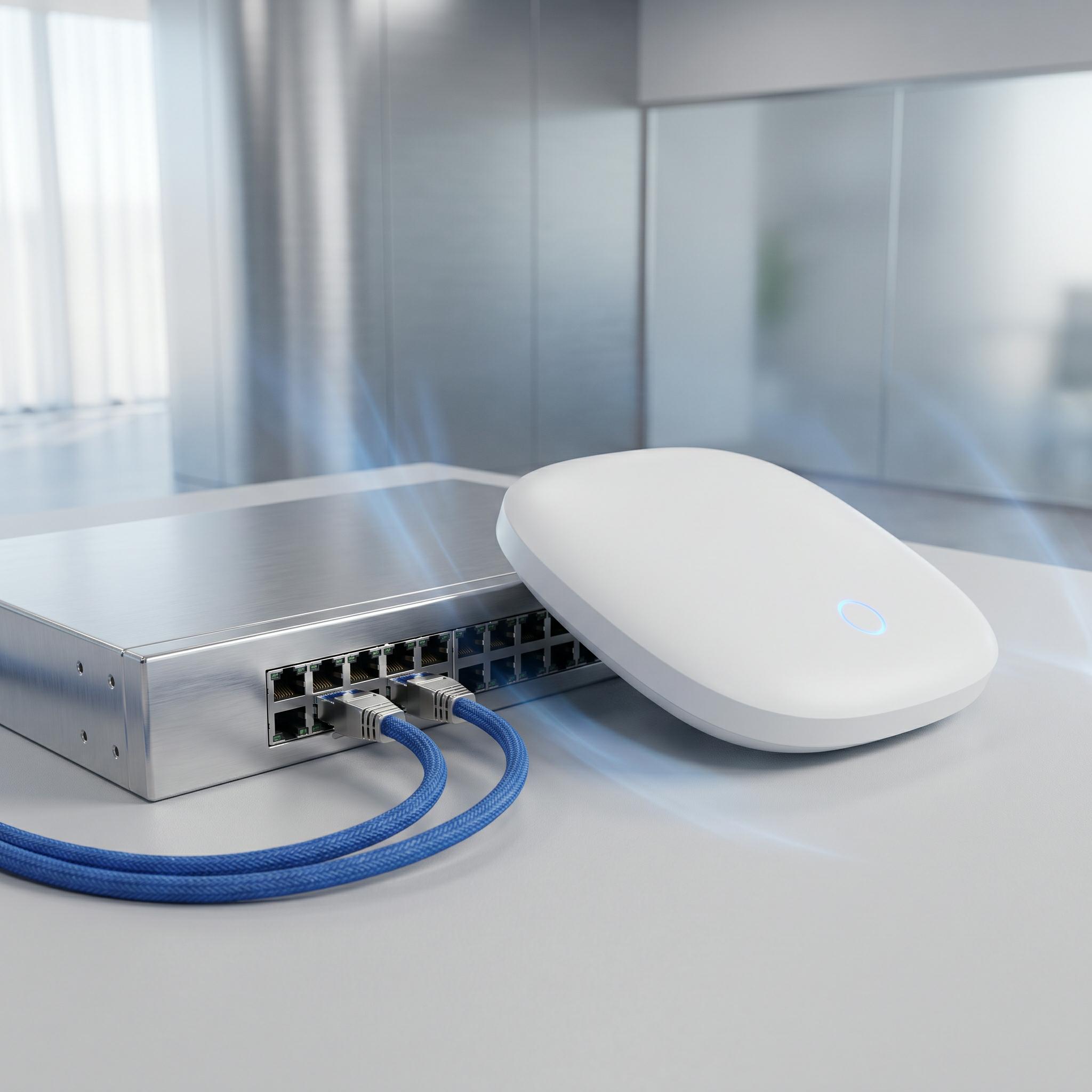
1. PoE Standard Mismatch (802.3af vs. 802.3at)
Not all Power over Ethernet (PoE) standards deliver the same output. Modern Wi-Fi 6 and Wi-Fi 7 access points require more power to support multi-core processors and high-capacity radio modules.
-
802.3af (PoE): Delivers a maximum of 15.4W per port.
-
802.3at (PoE+): Delivers up to 30W per port.
The Issue: Connecting a modern Wi-Fi 6 AP (requiring 802.3at/30W) to an older 802.3af switch will cause the AP to fail. It will either remain powered off entirely or enter a continuous boot loop, where the indicator light flashes briefly and turns off.
The Solution: Always verify the AP’s power requirements before selecting a network switch. Todahika’s enterprise-class switches natively support 802.3at (PoE+) across all ports to ensure reliable power delivery.
2. Exhausted PoE Power Budget
A common oversight in budget-tier networking equipment is the total available power budget. Purchasing a “24-port PoE switch” does not guarantee it can power 24 high-draw access points simultaneously.
Many entry-level 24-port switches feature a built-in power supply limited to 150W. If you connect ten APs drawing 15W each, the switch reaches its absolute hardware limit.
The Issue: When you connect the 11th AP into port 11, the switch cannot allocate power. The port will transmit data, but the AP will remain disabled and unpowered.
The Solution: Deploy switches with adequate power supplies. Todahika L2+ PoE switches are engineered for high-density Wi-Fi and CCTV deployments, offering power budgets exceeding 400W. This ensures you can fully utilize all 24 ports without performance drops.
3. Voltage Drop from CCA Cables
If your switch has an adequate power budget and supports the correct standard, but the AP still fails to boot, inspect your cabling. Copper-clad aluminum (CCA) cables are often selected because they cost less, but they present severe performance issues.
Aluminum has significantly higher electrical resistance than pure copper. When transmitting 48V PoE over a 90-meter CCA cable, this resistance causes a steep voltage drop.
The Issue: By the time the current reaches the ceiling-mounted AP, the 48V supply may have degraded to 34V. This is insufficient to power on the access point hardware.
The Solution: Never use CCA cables for PoE deployments. Always install bare copper (BC) CAT5e or CAT6 cables. Replacing the CCA run with standard solid copper cabling will typically resolve the boot failure immediately.
4. Passive vs. Active PoE (Voltage Mismatch)
System integrators occasionally mix hardware brands that utilize incompatible electrical standards.
-
Active PoE (48V): This is the IEEE industry standard (802.3af/at). Devices perform a power handshake before supplying voltage to prevent hardware damage. Todahika utilizes Active PoE.
-
Passive PoE (24V): Frequently used by legacy WISP brands. This standard forces a constant 24V line power over the network cable without any prior device negotiation.
The Issue: Connecting a standard 48V Active AP to a 24V Passive PoE port will result in a failure to boot due to insufficient voltage.
The Solution: If utilizing legacy 24V equipment, you must use the manufacturer-provided passive PoE injector included with the device. Standardize on 48V Active PoE equipment for future enterprise deployments to avoid hardware incompatibilities.
Simplify Troubleshooting with Intelligent Management
Diagnosing PoE failures on an unmanaged switch is difficult because network administrators lack visibility into port-level metrics. Without telemetry, identifying power faults becomes a guessing game.
By deploying a Todahika Intelligent Managed PoE switch, troubleshooting takes seconds. Administrators can access the web management interface and review the “PoE Port Status” dashboard for real-time diagnostics.
The switch provides exact, actionable data, such as:
-
“Port 5 is drawing 12.5 watts.”
-
“Port 6 is disabled due to a short circuit.”
-
“Remaining total power budget: 210W.”
Stop guessing from the top of the ladder. Invest in reliable hardware infrastructure to accelerate installation and streamline network maintenance. Contact the Todahika sales team today to upgrade your deployments with our intelligently managed, enterprise-grade PoE switches.
Post time: Jun-15-2026


