
It is a common nightmare for CCTV installers and IT contractors: you install a new 24-port Gigabit PoE switch and connect twenty 4K IP cameras. The link indicator lights are green, but the NVR monitor displays a choppy, pixelated, or dropping video stream. You might blame the cabling or the cameras, but the real culprit is often in the rack.
You bought an underperforming switch.
Just because a switch features 24 Gigabit ports on the chassis does not mean its internal components can process 24 Gbps of concurrent traffic. Many budget brands utilize inferior silicon to lower costs, creating severe hardware bottlenecks.
When procuring network equipment for enterprise deployments, port count is not enough. Todahika trains our B2B partners to evaluate two critical datasheet parameters: backplane bandwidth and forwarding rate.
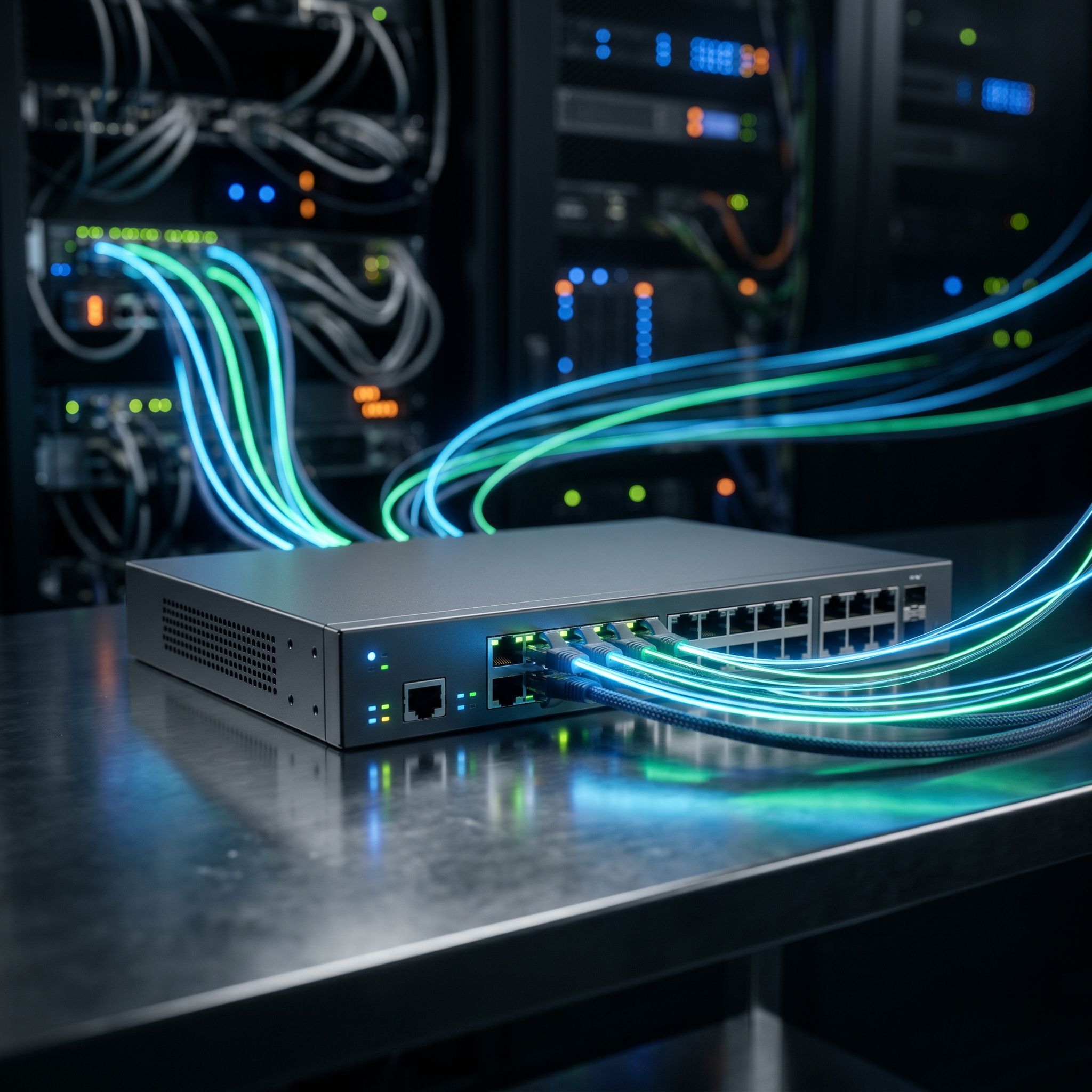
1. Backplane Bandwidth (Switching Capacity)
Backplane bandwidth, or switching capacity, is the maximum data volume the internal fabric can transmit between ports per second. Think of the ports as highway on-ramps and the backplane as the highway itself. If twenty high-speed ramps merge into a single lane, congestion is immediate.
How to Calculate Non-Blocking Capacity: For a switch to achieve non-blocking architecture—meaning all ports operate at maximum speed simultaneously—its switching capacity must be double the total port speed. This accounts for full-duplex Ethernet, which sends and receives data concurrently.
Let’s calculate the requirement for a standard 24-port Gigabit switch:
-
24 ports × 1 Gbps = 24 Gbps
-
24 Gbps × 2 (full-duplex) = 48 Gbps
How to Verify: Check the product datasheet. If a 24-port 1G switch lists a backplane bandwidth of 24 Gbps or 32 Gbps, it is a blocking switch that will degrade under heavy loads. True enterprise-grade switches, like the Todahika L2+ managed series, specify a minimum of 48 Gbps (and higher if equipped with 10G uplinks).
2. Packet Forwarding Rate
While bandwidth measures data volume, the forwarding rate measures processing speed. This is the speed at which the switch’s CPU processes data packets and routes them to the correct exit port, measured in megapackets per second (Mpps).
This metric is critical because not all network traffic consists of large payloads. A switch can easily handle a single 10GB file transfer. However, if a call center runs 100 concurrent VoIP phones, that traffic is fragmented into millions of small packets.
If the internal processor is too slow, packet congestion occurs, and the switch begins dropping packets. In VoIP applications, this packet loss results in intermittent, robotic-sounding audio.
How to Calculate Maximum Forwarding Rate: In Ethernet networks, the theoretical maximum forwarding rate for a single 1 Gigabit port is 1.488 Mpps.
Applying this to a 24-port Gigabit switch:
-
24 ports × 1.488 Mpps = 35.71 Mpps
How to Verify: If the datasheet specifies a forwarding rate of 20 Mpps, the processing performance is insufficient for high-density environments. Packet loss is inevitable during peak office hours. A true non-blocking 24-port switch must provide a forwarding rate of at least 35.7 Mpps.
Todahika Engineering Standards
Manufacturers of consumer-grade switches often omit this data because they utilize inferior ASIC chips. They rely on the fact that standard home users rarely saturate all ports simultaneously.
However, in enterprise B2B environments—where infrastructure includes multi-megapixel IP camera arrays, heavy-duty NAS enclosures, and high-density Wi-Fi 6 access points—these hardware bottlenecks are exposed immediately.
Todahika does not compromise on hardware. Whether you specify an 8-port desktop PoE switch or a 48-port enterprise aggregation switch, we guarantee true non-blocking, line-rate performance. We utilize premium chipsets from manufacturers like Broadcom and Realtek to ensure our backplane bandwidth and forwarding rates consistently meet or exceed theoretical maximums.
Stop building bottlenecks into your clients’ networks. Upgrade your Bill of Materials today. Contact the Todahika sales team to request our enterprise switch catalog and compare our hardware specifications against your current vendors.
Post time: May-31-2026


