
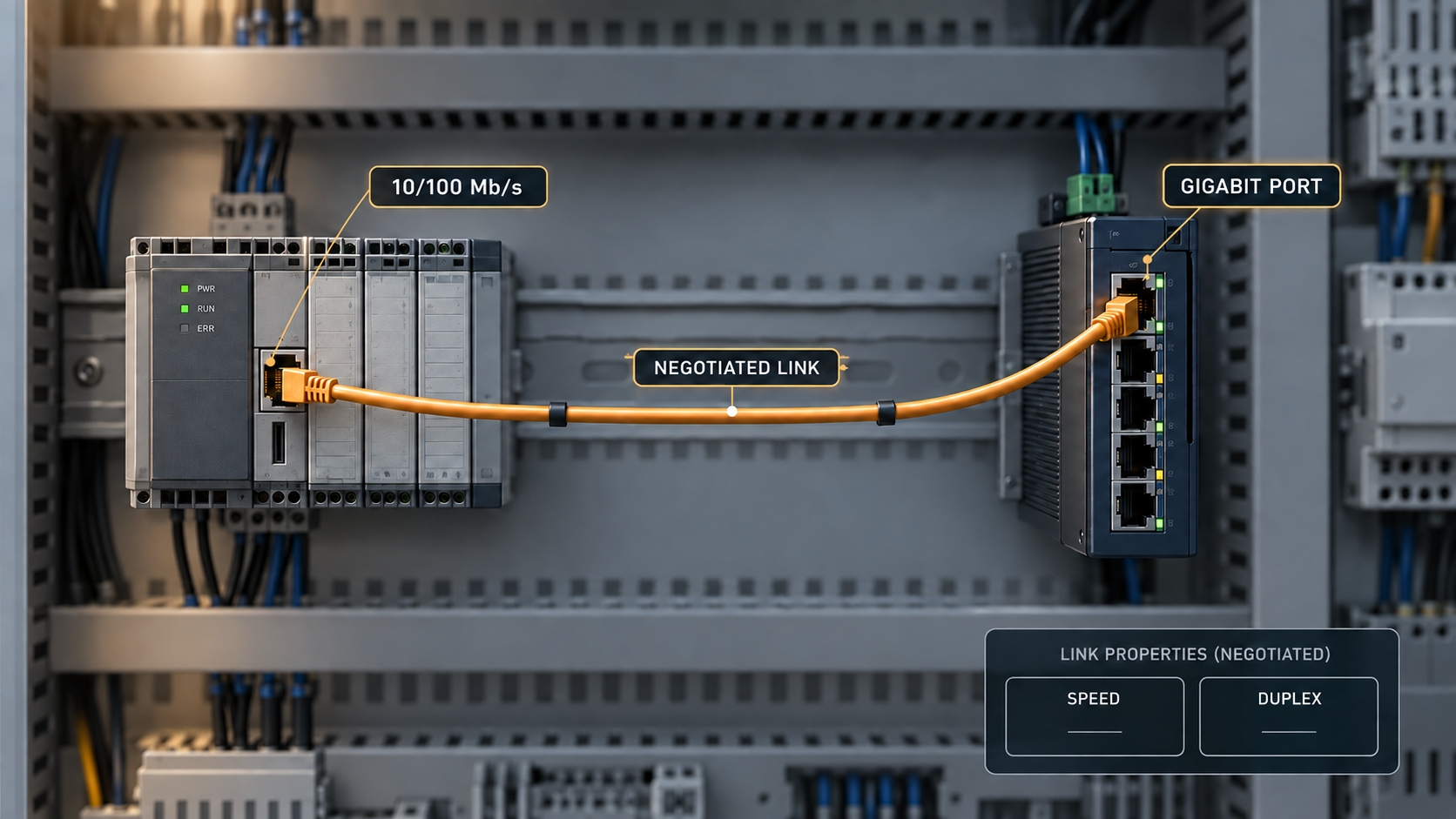
The new switch has Gigabit ports, the old controller has a 100 Mb/s interface and the link comes up. That can be a perfectly suitable connection if the selected port supports the endpoint’s mode. The upgrade still needs a compatibility test because link speed is only one part of the behavior being replaced.
Legacy controllers may have fixed settings, old drivers or specific startup expectations. A rushed migration can also introduce a duplex mismatch or cable issue that was absent from the previous connection. The safest starting point is the existing known-good state, documented before the old switch is removed.
Verify the actual supported port modes
Read the replacement switch’s exact interface specifications. A port described as Gigabit may support 10/100/1000 Mb/s, but not every interface or optical module supports every lower speed. Confirm the relevant copper or optical port rather than generalizing from another model in the series.
Record the endpoint’s supported speed and duplex modes and its current configuration. If the old connection is working, capture both ends’ operational status and error counters. A controller manual, switch display and physical label can each contribute, but conflicting information needs resolution before the migration.
A 100 Mb/s endpoint remains a 100 Mb/s endpoint when connected to a faster switch. The upgrade may improve aggregate capacity elsewhere, but it does not make that controller transmit at 1 Gb/s. Define which part of the network is expected to benefit.
Avoid the one-sided manual setting trap
For interfaces that support it appropriately, use the manufacturer’s recommended auto-negotiation configuration at both ends. If a legacy device requires a fixed mode, follow the supported settings for both peers and verify the resulting operation. Do not force one side while assuming the other will always infer the intended duplex.
Cisco’s switch-to-NIC compatibility troubleshooting guide explains how speed and duplex mismatches can arise, particularly with older 10/100 implementations. Its platform-specific commands are examples; the selected switch and endpoint documentation should govern the actual configuration.
A duplex mismatch can leave the link indicator on while performance becomes poor or uneven. That is why “link up” is not an adequate migration criterion. Inspect operational duplex and relevant counters while the application is active.
Use counters to distinguish a link problem from a capacity problem
Collect errors, discards, link changes and negotiated state before and after the replacement. Interpret counter names using the platform’s documentation; two vendors may not report identical categories. Record whether counters were cleared or simply sampled over a defined interval.
Errors associated with the physical link or duplex behavior call for a different investigation from queue drops under load. A busy 100 Mb/s endpoint can legitimately be the traffic limit without any fault. Replacing it with a faster uplink elsewhere does not remove that endpoint boundary.
| Observation | Focus of the next check |
|---|---|
| Link up with unexpected duplex | Settings and negotiation behavior at both ends |
| Frequent link transitions | Cabling, connectors, power and interface compatibility |
| Errors increase during traffic | Physical path, duplex and endpoint interface behavior |
| Stable link with queue discards | Offered load, buffering and upstream traffic pattern |
| Network tests pass but control task fails | Application timing, protocol dependencies and endpoint state |
Avoid changing several settings based solely on an error counter. Reproduce the condition, make a supported change and observe whether the relevant symptom changes. Keep enough evidence to return to the original baseline if needed.
Check the cable path introduced by the upgrade
A new patch lead, adapter or cabinet arrangement can introduce a fault even when both switches are healthy. Inspect the installed path and use suitable cable testing where required. A short replacement patch lead can help isolate a local issue, but it does not certify the entire channel.
If a connection expected to operate at Gigabit negotiates only 100 Mb/s, investigate the endpoint capability and cable path before treating the lower rate as a software setting problem. Gigabit copper operation uses all four pairs, so a channel that once supported a lower-speed service may reveal an existing defect during the upgrade.
Keep media converters and optics in the review. Their supported speed, negotiation and link-fault behavior can differ from a direct copper connection. A replacement at one end may expose an assumption embedded in the intermediate device.
Test the industrial application and its transitions
Use the real controller and software where practical. Verify the required transactions, timing and error behavior under representative load. A file transfer from a laptop is useful for a general network baseline but cannot qualify the controller’s application protocol.
Include startup, approved link interruption and restoration. Some devices need time to rediscover peers or resume a session after the link returns. Measure the application recovery separately from the switch port becoming active, and record any manual intervention.
Also confirm VLAN, multicast and security behavior where used. A new switch’s default configuration may differ from the old one even when the physical port mode is correct. Preserve the approved logical design rather than treating the migration as a cable-only operation.
Keep a recoverable migration window
Save the old configuration and label the connections before removal. Have the approved spare or original unit available according to the recovery plan. Define a stop point that leaves enough time to restore service if the new combination fails the agreed checks.
Do not rely on a technician remembering a fixed duplex exception months later. Document endpoint-specific settings in the port map and spare procedure. If a firmware update or controller replacement removes the need for the exception, retest and update the baseline.
For TODAHIKA industrial Ethernet switch upgrades, provide the legacy endpoint models, current link modes and required application functions. Request confirmation of the proposed port’s supported speeds and the recommended compatibility test.
A successful Gigabit upgrade preserves the services that already work while improving the intended capacity or maintenance capability. Including the oldest required endpoint in the test plan is often what makes that outcome repeatable across the whole installation.
Post time: Nov-13-2026


