
You walk into a new client’s office to review their IT configuration. Logging into the main router, you check the DHCP client list and see 150 devices—employee laptops, wireless printers, IP security cameras, VoIP phones, and visitor iPhones—all residing on the same 192.168.1.x subnet.
In the networking industry, this is known as a “flat network.”
While a flat network architecture may be acceptable for a home with five devices, it is a ticking time bomb for businesses, posing severe risks to both security and performance. For IT installers and Managed Service Providers (MSPs), deploying a flat network for enterprise customers borders on professional negligence.
Building a professional, reliable infrastructure requires Virtual Local Area Networks (VLANs). This article covers the importance of network segmentation and how to implement it efficiently using Todahika managed switches.
What is a VLAN? The “Invisible Wall” Concept
Imagine a large, open-plan office building with no interior walls. Accounting teams, human resources, and visiting members of the public are all talking loudly in the same room. It is chaotic and insecure.
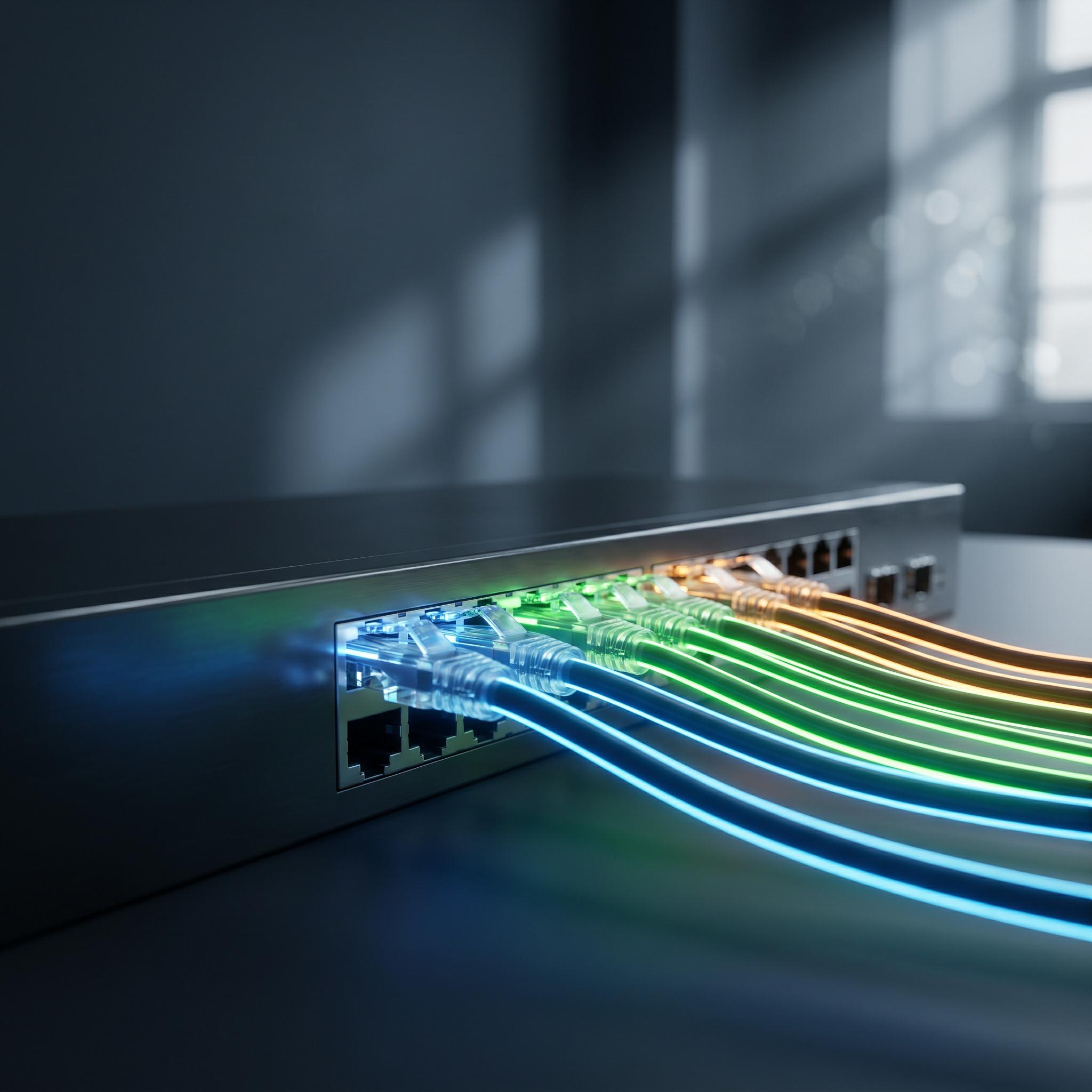
VLANs act as invisible, soundproof walls within that space. Technically, VLANs allow you to logically divide a single physical network switch—such as a 24-port Todahika L2+ switch—into multiple virtual switches.
For example, a single switch can be configured as follows:
-
Ports 1–10: VLAN 10 (Employee Data)
-
Ports 11–15: VLAN 20 (IP Cameras)
-
Ports 16–20: VLAN 30 (Guest Wi-Fi)
Even though all cables connect to the same hardware chassis, devices in VLAN 10 cannot see, communicate with, or interfere with devices in VLAN 20 or 30. They are logically isolated.
Reason 1: Enhanced Network Security
Consider a highly realistic threat scenario in a flat network. A visitor arrives at the reception desk, asks for the Wi-Fi password, and connects their laptop.
Because the network is flat, this visitor is now on the same subnet as the company’s Network Attached Storage (NAS), which holds unencrypted financial records. Anyone with a basic network scanning tool could locate this drive in seconds.
Worse, if an employee’s computer is infected with ransomware, the malware can spread laterally to servers, printers, and webcams without restriction.
The VLAN Solution
By placing public access points (APs) in a dedicated guest VLAN, administrators establish strict access rules. Guests can access the internet, but they cannot laterally access the local corporate network. If ransomware infects the employee VLAN, it is inherently blocked from reaching the backup servers securely isolated on the server VLAN.
Reason 2: Controlling Broadcast Traffic
Every device on a network communicates constantly. Even when sitting idle, a computer sends background messages requesting printer IP addresses, broadcasting MAC addresses, and checking router status.
This is known as broadcast traffic. In a flat network with 200 devices, this background noise generates massive network congestion.
Switch processors are forced to work overtime handling these useless requests, which delays the transmission of critical data. This congestion is exactly why VoIP calls sound choppy or IP camera feeds stutter in busy office environments.
The VLAN Solution
Broadcast traffic cannot cross VLAN boundaries. Network segmentation physically reduces the size of the broadcast domain.
Under this setup, IP cameras only communicate with other IP cameras, and VoIP phones only communicate with the voice server. Isolating traffic immediately frees up bandwidth, significantly improving the speed and stability of the entire network.
The Hardware Requirement: Moving Beyond Unmanaged Switches
You cannot build VLANs on basic, unmanaged switches. Unmanaged switches lack the processing capability to read the 802.1Q tags required for VLAN routing.
To properly segment a network, installers must upgrade their Bill of Materials (BOM) to include managed or smart managed switches. Todahika designs a dedicated series of L2+ managed switches specifically to simplify VLAN configuration for network installers.
-
Visual Web GUI: There is no need to memorize command-line codes. The Todahika web interface allows installers to create and assign VLAN tags (tagged/untagged ports) via simple drop-down menus.
-
802.1Q Standard Compliance: Todahika switches support the universal IEEE 802.1Q standard, ensuring full compatibility with routers and access points from other enterprise brands.
-
Cost-Effective Security: Todahika provides the required L2+ VLAN functionality to secure enterprise networks without the prohibitive pricing of traditional legacy brands.
Don’t let a flat network compromise your customers’ business operations. Implement traffic segmentation to protect data security and optimize network speeds.
Ready to design better networks? Contact the Todahika B2B sales team today to explore our portfolio of smart managed switches and enterprise gateways designed for robust network segmentation.
Post time: Jun-10-2026


