
Suppose a business upgrades its switches to Gigabit Ethernet, yet one office still connects at 100 Mb/s. The cable jacket says Cat5e. Should the installer replace it with Cat6?
Not on that evidence alone. Both Cat5e and Cat6 support standard 1000BASE-T Gigabit Ethernet over a compliant 100-meter channel, as reflected in Intel’s Ethernet cabling requirements. A damaged pair, poor termination, unsuitable patch cord, or 100 Mb/s device can explain the slower link. Replacing every cable before checking those possibilities may leave the actual fault untouched.
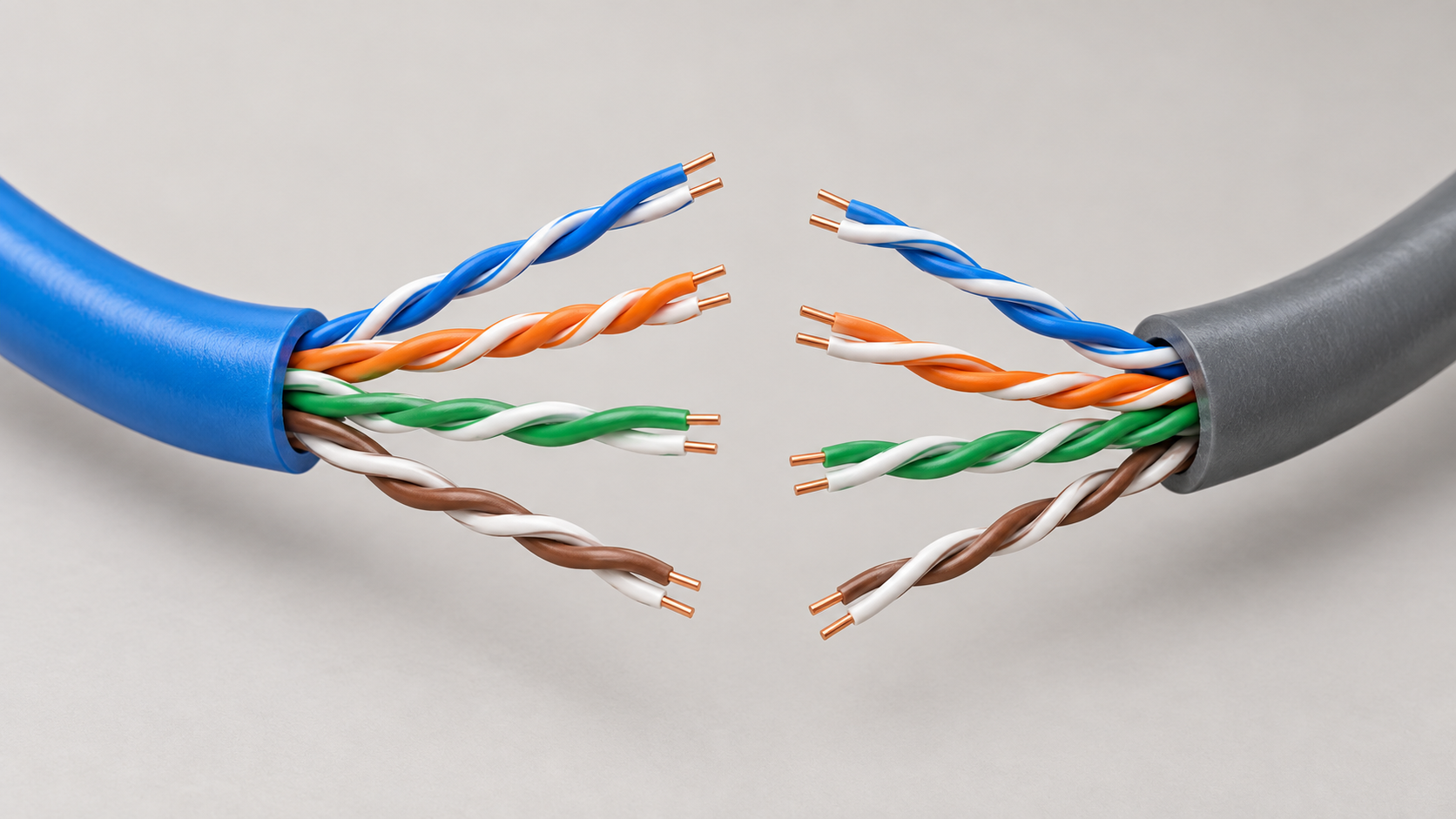
Editorial illustration of twisted-pair construction. Jacket colors and the displayed geometry do not identify a cable category or a specific product.
The sensible choice depends on whether the project is reusing an installation, adding a few outlets, or building cabling expected to support several generations of equipment.
What Cat6 changes at one gigabit
Cat5e is specified to 100 MHz and Cat6 to 250 MHz. These are cabling performance frequencies, not internet speeds. Cat6 provides greater transmission headroom, but a link between two 1 Gb/s Ethernet ports still operates at that negotiated rate. A higher cable category cannot make those ports run at 2.5 or 10 Gb/s. Fluke Networks’ category overview explains the distinction between categories and the applications they support.
| Requirement | Cat5e | Cat6 |
|---|---|---|
| 1000BASE-T Gigabit Ethernet | Supported on a compliant channel | Supported on a compliant channel |
| Standard maximum channel length for 1G | 100 m, including patch cords | 100 m, including patch cords |
| Specified frequency range | To 100 MHz | To 250 MHz |
| Guaranteed 100 m 10GBASE-T design | Choose Cat6A instead | Choose Cat6A instead |
These limits describe a properly designed and installed cabling system. Printing “Cat6” on the bulk cable does not certify the connectors, workmanship, or finished channel.
Count the whole channel
The standard 100-meter channel commonly comprises up to 90 meters of fixed cabling and a total of 10 meters of patch cords. A 98-meter permanent run does not leave room for ordinary patching at both ends. Fluke’s cable-testing guidance highlights the difference between channel and permanent-link limits.
Measure the route through trays, risers, and service loops. Straight-line distance between the rack and the desk is rarely the installed cable length. Also check the chosen system’s allowances for patch-cord gauge and temperature; the simple 90-plus-10 arrangement is not permission to substitute arbitrary thin cords or ignore environmental limits.
For an illustrative 72-meter fixed run with two 3-meter patch cords, the planned channel is 78 meters. That fits the ordinary length envelope for both categories, but it still needs compliant components and an appropriate test. If the route exceeds the design limit, reconsider the distribution point or use a suitable fiber link rather than relying on a better category label to extend copper distance.
Reuse, extend, or install new
For an existing office that needs only gigabit links, inspect and test the Cat5e installation before budgeting a replacement. Keep serviceable runs that meet the requirement. Repair failures individually and retain their test records so future troubleshooting has a baseline.
For a small extension, weigh the cable and connectivity cost against installation labor, available pathway space, and the building’s expected use. Cat6 is a reasonable option where additional performance headroom is valuable. Specify the completed link performance, not just the reel to be delivered.
For new cabling with a firm requirement for 10GBASE-T across full 100-meter channels, specify Cat6A. Existing Cat6 may support 10G over shorter distances, but the often-quoted 55 meters is conditional. Alien crosstalk, the interference coupled from neighboring cables, matters as well as length. Fluke’s 10GBASE-T testing guidance calls for assessment of both within-channel performance and alien crosstalk. A short successful link is not evidence that every run in a bundle will perform the same way.
Check power delivery and shielding separately
Cat5e can carry standards-based PoE; Cat6 is not a prerequisite simply because an AP needs power. The power design must also account for conductor resistance, connectors, length, bundle temperature, and the needs of the powered device. The Ethernet Alliance’s analysis of PoE cable losses explains why conductor size and cable characteristics affect delivered power.
For procurement, request the actual conductor material, gauge, temperature rating, and applicable cabling compliance documentation. Do not substitute an unspecified cable because its jacket carries the same category name. Check the switch’s per-port output and total PoE budget independently of the cable decision.
Cat6 also does not automatically mean shielded cable. Shielded and unshielded constructions exist; Belden’s copper cabling portfolio lists both. Choose shielding as part of the installation design, including suitable connectivity and bonding arrangements. Buying isolated shielded components without an installation plan does not establish a complete shielded system.
Ask for test evidence at handover
A continuity check confirms a limited set of wiring conditions. It does not establish that a finished link meets every category performance requirement. Likewise, a successful file download is useful operational evidence but is not a certification report.
Specify the test limit and configuration in the scope of work. Ask for an electronic result tied to each outlet identifier, with failures corrected before acceptance. A permanent-link result covers the fixed installation; a channel result includes the patch cords present during that test. Keeping those distinctions clear makes later changes easier to assess.
When a gigabit link negotiates at 100 Mb/s, check the port capabilities and settings, replace suspect patch cords with known-good ones, inspect terminations, and test the installed link. 1000BASE-T uses all four pairs, so a fault that does not prevent a 100 Mb/s connection can still matter. Keep the diagnosis focused on the failed link before turning it into a building-wide replacement project.
For a new network equipment order, share the cabling category, tested distances, intended port speeds, and PoE device requirements with toda. Those details help align switch and AP selection with the infrastructure the project will actually use.


