
An intermittent delay after a quiet period invites a familiar suggestion: turn off Energy Efficient Ethernet. Sometimes that is a worthwhile experiment. It is not a diagnosis, and applying it everywhere can remove an energy-saving feature without explaining the application's behavior.
A stronger approach starts with the traffic pattern. Does the delay affect the first message after idle, every message during a burst, or only traffic passing through a congested uplink? Those are different observations. The test should separate them before any permanent configuration change is approved.
What EEE changes at a link
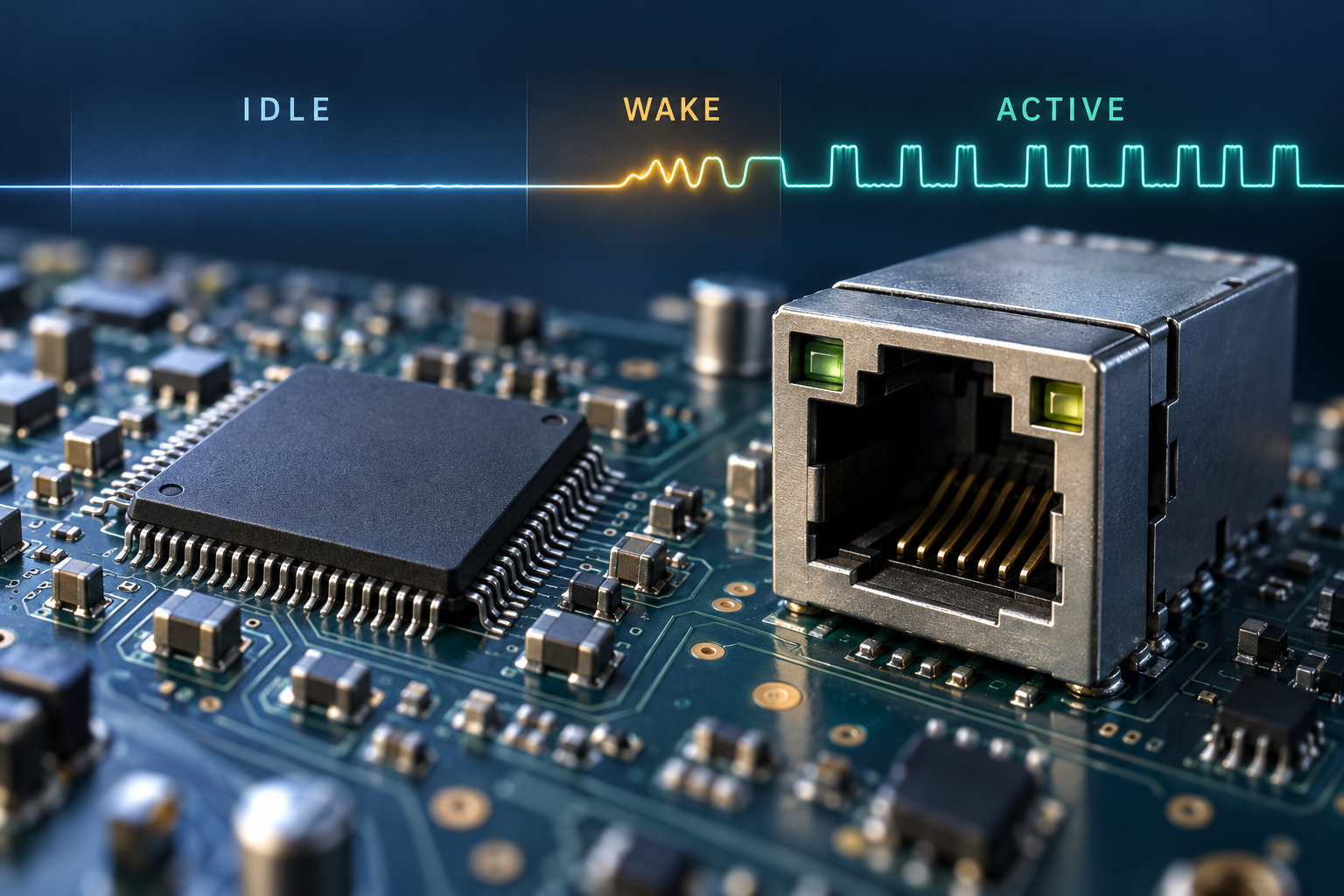
Energy Efficient Ethernet, associated with IEEE 802.3az, allows supported Ethernet links to use low-power idle behavior between active transmissions. Returning to active operation involves transitions whose effect must be considered in the context of the PHY, link speed, peer and traffic pattern. The IEEE 802.3az project page identifies the standardization work; it does not establish a universal application-delay figure for every current product.
EEE is a link capability. Both ends and their negotiated operational state matter. A enabled checkbox at one switch does not prove that a particular link is currently using low-power idle. Equally, a product advertised as energy efficient might reduce power through other mechanisms. Identify the actual feature and interface status before assigning it a role in the incident.
Vendor implementation details are relevant. For example, Cisco's EEE configuration documentation discusses low-power idle and supported configuration on a particular switch family. It is evidence for that implementation, not proof that another switch exposes the same controls or counters.
Look beyond the average latency
Averages can hide the very behavior an industrial application cares about. A long stream of back-to-back test packets may keep the link busy, while the real device sends one short message after a quiet interval. Conversely, a slow response from the application can originate in a sleeping host, CPU scheduling, a queued task or a remote process rather than the Ethernet link.
Divide the measurement into at least three conditions: continuously active traffic, the first exchange after an agreed idle period, and a burst beginning after that period. Record the distribution and the worst observed values within each defined run. For a deadline-driven application, also count missed deadlines or timeouts. A lower mean is not an adequate outcome if the late responses remain unacceptable.
Do not label the largest observed value a guaranteed worst case. It is the largest value seen under the tested conditions. The distinction matters when a pilot result becomes a contractual performance promise.
Design a controlled comparison
Use a test network or an approved maintenance window with a recovery plan. Save the current settings and record the exact switch, peer, firmware, NIC driver, link speed and power-management configuration. Confirm that the symptom can be reproduced before changing EEE; otherwise a later quiet period proves very little.
Run the baseline with the existing operational state. Then change only the relevant EEE setting using the manufacturer's supported method, verify the link's resulting status and repeat the same workload. Some changes may renegotiate or interrupt a link. Treat that interruption separately from the measurement itself.
An A–B–A sequence can be more informative than one before-and-after run: baseline, changed setting, then restored baseline. If the effect follows the change repeatedly while other conditions remain stable, the evidence becomes stronger. This is still a test of that system, not a universal conclusion about all EEE-capable equipment.
| Test record | Why it belongs in the comparison |
|---|---|
| Idle interval and message size | Defines the transition being exercised |
| EEE configured and operational status at both ends | Distinguishes an intended change from an effective one |
| Application response and timeout counts | Connects network timing to the actual requirement |
| Background load and queue counters | Helps separate wake behavior from congestion |
| Clock method and measurement resolution | Shows whether a small difference is measurable |
| Repeated baseline after restoration | Checks whether the result follows the setting |
Avoid a precision claim the measurement setup cannot support. Ordinary host timestamps include effects from the host stack and scheduling. A microsecond-level question may require equipment and timestamping designed for that task. An application-level deadline can often be assessed at the application, but the result should be described as end-to-end behavior.
Conditions that can mimic an EEE problem
A burst arriving at an oversubscribed uplink can wait in a queue, even when EEE is disabled. A control program can miss its own scheduling deadline. A laptop may change power states or scan for updates during the test. Flow control, packet loss and retransmission can also create uneven response times.
Inspect the simple evidence first: link changes, interface errors, discards, utilization and application logs. If delays continue throughout a sustained busy period, an idle-transition explanation becomes less persuasive. It is still possible for more than one mechanism to contribute, so resist treating a single checkbox as a complete root-cause analysis.
Also separate EEE from other settings with similar names. Host sleep, NIC power management, cable-length power adjustment and EEE need not be the same feature. Disabling an entire bundle at once makes it difficult to identify which change mattered and which energy or operational cost is necessary.
Turn the result into a narrow deployment rule
If repeated testing demonstrates that disabling EEE on a defined connection resolves unacceptable timing behavior, document the affected ports, peer types and software versions. Preserve the measurements and restoration procedure. Apply the exception at the appropriate scope, then verify it survives reboot and replacement.
If the result shows no meaningful difference, restore the approved baseline and continue the investigation. “We tried it” is useful troubleshooting history; it should not quietly become an undocumented permanent standard across every cabinet.
For a TODAHIKA industrial managed Ethernet switch project, ask whether the exact model supports EEE, whether it can be controlled per port, and what operational status is available. Do not assume these capabilities from the category name. Provide the application deadline and traffic pattern so the discussion addresses the real requirement.
The purchasing decision should combine energy use, timing evidence and maintainability. EEE belongs in that evaluation as a specific link behavior with testable consequences. A reliable network design comes from knowing where a measured exception is needed and keeping that exception understandable to the next engineer who services the site.
Post time: Oct-31-2026


