
In every room, students were online at the same time: streaming 4K video, downloading 60 GB game updates, and playing online multiplayer games while background devices synced data. Across 500 rooms, over 2,000 active wireless clients competed for bandwidth inside a single reinforced concrete building.
Suddenly, the campus IT helpdesk received a wave of support tickets: “Wi-Fi is connected, but there is no internet,” “Latency spiked to 500 ms,” and “Unable to log in to the student portal.”
For system integrators (SIs) and managed service providers (MSPs), designing Wi-Fi networks for dormitories, boarding schools, and worker barracks is one of the most challenging problems in network engineering. The core issue is not signal penetration through walls, but managing high-density client traffic.
Without a dedicated access controller (AC) to manage the radio frequency (RF) environment, high-density networks inevitably collapse from packet collisions and airtime exhaustion.
Here is how an IT contractor deployed the Todahika Enterprise Gateway with its built-in access controller to solve high-density dormitory network congestion.
The “Corridor AP” Trap in Dormitory Design
The most common mistake in dormitory deployments is installing high-power access points every 15 meters in a central hallway, expecting signals to penetrate into bedrooms.
This design fails for three technical reasons:
-
Concrete and Metal Attenuation: Dormitory walls consist of reinforced concrete, brick, or metal-framed drywall. 5 GHz signals drop sharply when passing through hallway walls, heavy doors, and metal furniture.
-
Asymmetric Power Output (“Shouting” Problem): Maximize AP transmission power allows student phones to detect signal bars in the hallway, but mobile devices lack the battery power and antenna gain to transmit uplink packets back to the corridor AP. This creates one-way transmission and severe packet loss.
-
Client Overload: A single corridor AP attempts to serve over 80 active clients across 10 adjacent rooms, exhausting available RF spectrum.
The Solution: In-Wall Wireless APs + Centralized AC Management
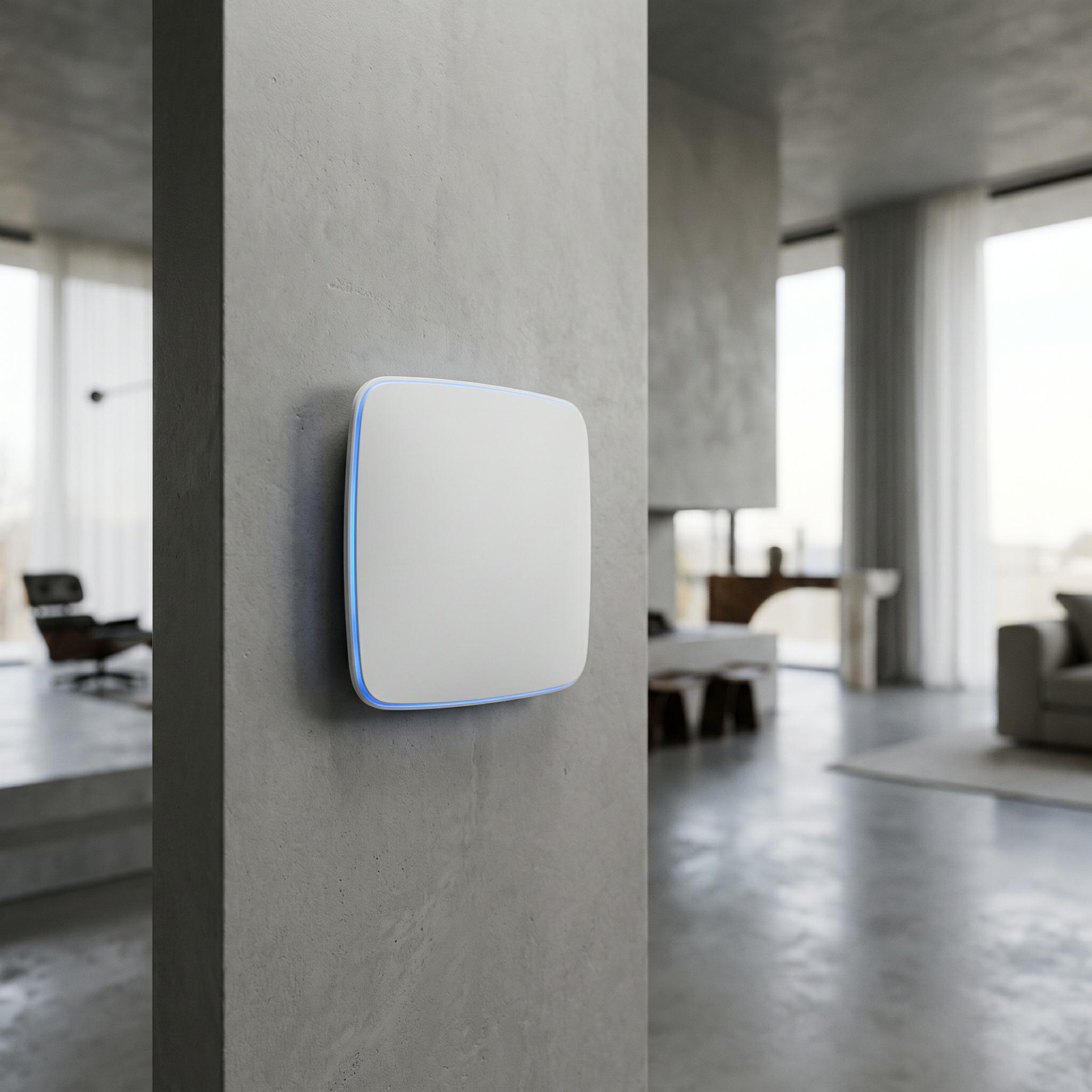
Modern high-density dormitory architectures rely on microcell deployments: placing a low-power Todahika in-wall Wi-Fi 6 AP in each room (or shared between two rooms) connected to a central Todahika multi-WAN gateway with a built-in access controller (AC).
Here is how centralized AC management keeps over 2,000 active devices connected and stable:
1. Dynamic Load Balancing and Airtime Fairness
In an unmanaged network, a single AP can become overloaded with 40 devices while adjacent APs sit idle.
The Todahika AC actively monitors client counts across all deployed APs. When a room’s AP reaches a pre-set threshold (e.g., 25 devices), the controller steers new connections to adjacent APs or forces dual-band devices off the congested 2.4 GHz band onto the cleaner 5 GHz band.
Additionally, Airtime Fairness prevents legacy Wi-Fi devices from degrading overall channel capacity for Wi-Fi 6 clients.
2. Per-User Rate Limiting (QoS) and Traffic Isolation
Unrestricted P2P downloads by a single user can saturate total ISP bandwidth. Administrators can enforce granular Quality of Service (QoS) policies directly through the Todahika AC interface:
-
Bandwidth Caps: Set download limits (e.g., 25 Mbps) and upload limits (e.g., 5 Mbps) per user. This guarantees smooth 4K streaming and low-latency gaming while preventing bandwidth monopoly.
-
VLAN Isolation: Placing each room on an isolated Virtual Local Area Network (VLAN) prevents users from casting media to neighboring smart TVs or scanning external devices on the local network.
3. Captive Portal and Student Authentication
Managing network access is as critical as managing throughput.
The Todahika gateway includes an integrated captive portal engine supporting RADIUS, LDAP, and custom credential systems. Connecting users must authenticate using their student ID or room number.
-
Unverified guest devices automatically disconnect after 60 minutes.
-
MAC address whitelisting enables gaming consoles to bypass browser login requirements.
-
Session activity logging ensures compliance with organizational auditing standards.
The Todahika Advantage: Zero AC Licensing Fees
Project cost is the decisive factor when pitching network infrastructure to university boards or real estate developers. Traditional enterprise vendors charge recurring per-AP software license fees alongside hardware costs. For a 200-AP facility, software licensing adds thousands of dollars annually to operating budgets.
Todahika eliminates recurring software licensing fees entirely.
Select Todahika enterprise multi-WAN routers feature an integrated access controller capable of adopting, managing, and updating up to 64 or 128 Todahika APs out of the box.
-
Zero Recurring Licensing: Hardware is a single capital purchase; management software is free permanently.
-
Unified Rack Footprint: A single router handles multi-WAN load balancing, gateway firewall protection, captive portal authentication, and complete AP radio management under one IP address.
Deploy High-Density Networks That Do Not Collapse
Dormitory Wi-Fi does not have to result in continuous support tickets and emergency off-hours maintenance. Deploying room-level in-wall access points managed by an integrated Todahika AC delivers reliable, high-speed network access within project budget constraints.
Bidding on a school, hotel, or student housing project?
Submit your building floor plan and target user count to the Todahika engineering team. We will generate a complete predictive heatmap and recommend the optimal gateway and AP combination for your deployment.
Post time: Jul-25-2026


