
You walk into an office on the 18th floor of a downtown skyscraper. A client points to his laptop and says, “The Wi-Fi icon shows full signal strength, but loading a simple PDF takes two minutes. What is wrong with the access point?”
You run a Wi-Fi analyzer on your phone and identify the issue: 45 neighboring wireless networks are operating on the exact same channel.
This is the primary cause of network degradation in multi-tenant commercial environments: Co-Channel Interference (CCI).
For systems integrators and IT contractors, resolving CCI is not a matter of deploying higher-power hardware, but implementing proper radio frequency (RF) management.
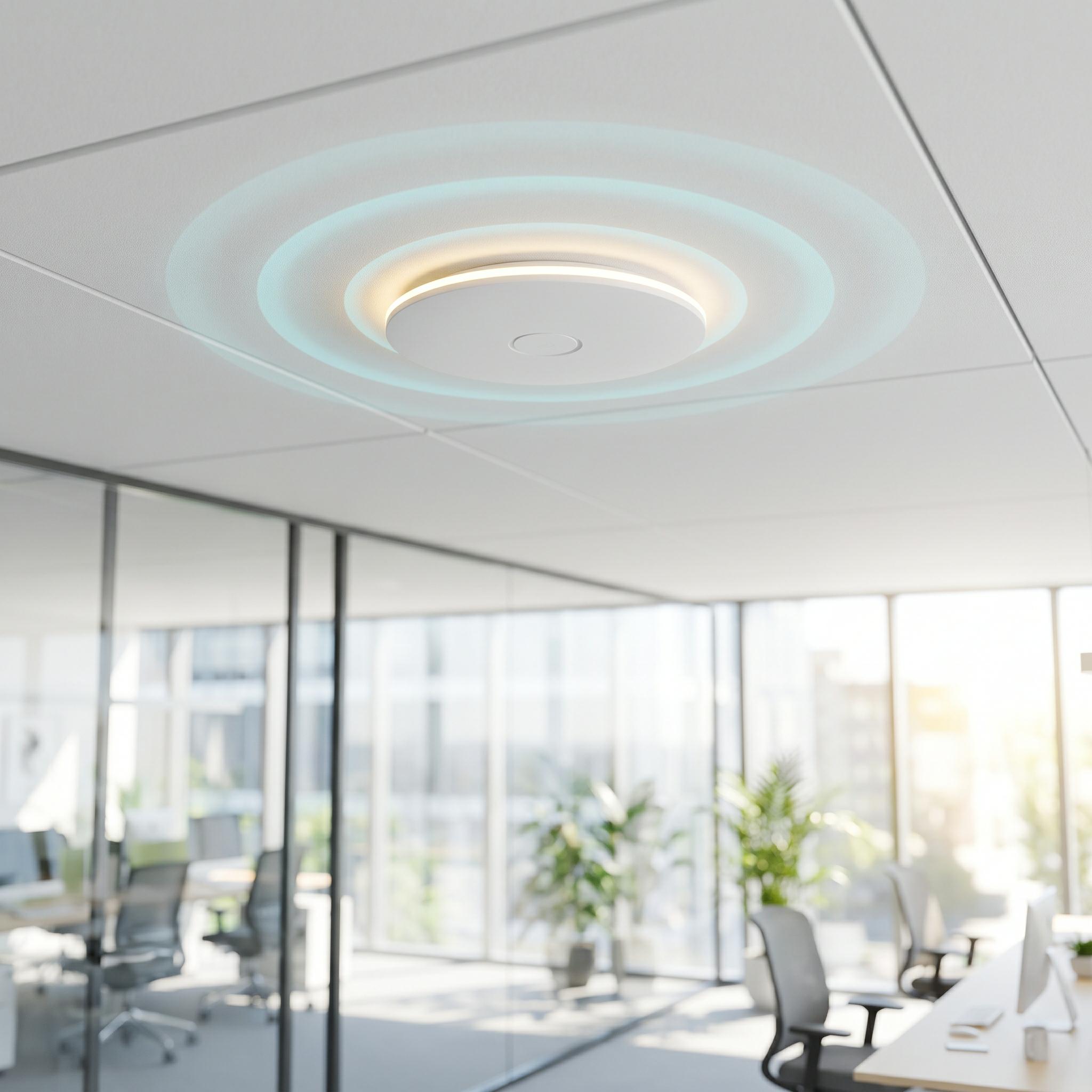
What Is Co-Channel Interference?
Wi-Fi relies on the Carrier Sense Multiple Access with Collision Avoidance (CSMA/CA) protocol. Within a given coverage area, only one device can transmit on a single channel at any millisecond. If two devices transmit simultaneously on the same channel, packets collide and must be retransmitted.
When your access point (AP) and a neighboring tenant’s AP both operate on Channel 36, they share the same contention domain. Every time your AP attempts to transmit data to a client, it detects the neighboring AP’s signal, pauses, and defers transmission.
The client laptop displays full signal strength because it sits near a high-power AP. However, throughput drops significantly because the AP spends most of its airtime waiting in a queue for the channel to clear.
The Common Mistake: Increasing Transmit Power
Inexperienced installers often react to slow speeds by setting the AP transmit power (Tx power) to maximum (e.g., 27 dBm).
This increases interference instead of solving it.
Maximizing Tx power expands the AP’s contention radius. Instead of hearing two adjacent APs on the same floor, your AP now detects signals from ten APs across multiple floors above and below. Increasing power converts a localized noise issue into a multi-floor RF contention problem.
Three Engineering Practices to Eliminate CCI
To build a stable, high-throughput wireless environment in dense office buildings, follow these standard deployment practices:
1. Reduce Channel Bandwidth on 5 GHz and 6 GHz Bands
Setting a 5 GHz channel width to 80 MHz offers high theoretical speeds on datasheets. However, an 80 MHz channel occupies four contiguous 20 MHz sub-channels. In a crowded building, finding an unused 80 MHz block is rarely possible.
-
Fix: Reduce channel width to 40 MHz or 20 MHz. While theoretical peak speeds drop, real-world performance increases by eliminating channel overlap and packet collisions.
2. Lower Transmit Power to Reduce Cell Size
In enterprise wireless deployment, smaller, controlled coverage cells perform better than high-power cells.
-
Fix: Instead of deploying two APs at maximum power, deploy four Todahika ceiling-mounted APs operating at low-to-medium power (12 to 15 dBm). This contains the RF energy within the client’s office footprint and prevents interference from hallways or adjacent floors.
3. Leverage Wi-Fi 6 BSS Coloring
In legacy Wi-Fi 5 (802.11ac) networks, an AP defers transmission whenever it detects any signal on its channel, even weak signals from an adjacent tenant. Wi-Fi 6 (802.11ax) addresses this by assigning a numerical “color” tag (a value from 1 to 63) to each frame preamble.
-
How it works: When a Todahika Wi-Fi 6 AP detects a signal on its channel, it checks the frame’s BSS color tag. If the tag belongs to an external network, the AP ignores the frame and continues its transmission using spatial reuse mechanisms.
Automated RF Optimization with Todahika RRM
Manual channel planning across large deployments requires extensive site surveys and spectrum analysis. Enterprise networks deployed with a Todahika Enterprise Gateway utilize integrated Radio Resource Management (RRM) to automate this process:
-
Automated Channel Allocation: The gateway continuously monitors the local RF environment. If an adjacent network creates interference on Channel 36, the Todahika controller reassigns the AP to a clean channel (such as Channel 149) without interrupting active user sessions.
-
Dynamic Power Control: The controller automatically adjusts the Tx power of adjacent internal APs to maintain coverage while preventing self-interference.
Optimize Your Wireless Deployment
Managing spectrum effectively is critical for high-density enterprise networks.
If you are designing a wireless infrastructure for a multi-tenant office building, contact the Todahika engineering team for RF survey guidelines and hardware configuration support.
Post time: Jul-01-2026


