
A homeowner spent $150,000 on a custom smart home system featuring Lutron lighting scenes, Crestron touch panels, a Savant audio matrix, and over 80 connected IoT devices.
As the owners walked from the master bedroom to the pool house, their iPads disconnected from the Control4 app.
Frustrated, the homeowner called the system integrator. A technician inspected the site, identified a weak signal on the pool terrace, and plugged a $30 consumer Wi-Fi extender into a hallway outlet.
Two days later, the entire smart home network crashed.
For low-voltage contractors and AV integrators, consumer-grade Wi-Fi extenders are a major liability. They cause network instability, leading to unbillable service calls and costly project rework in luxury residential installations.
When designing a network for an 8,000+ square-foot estate, understanding why traditional repeaters fail is critical to deploying reliable wireless coverage with Todahika Enterprise Solutions.
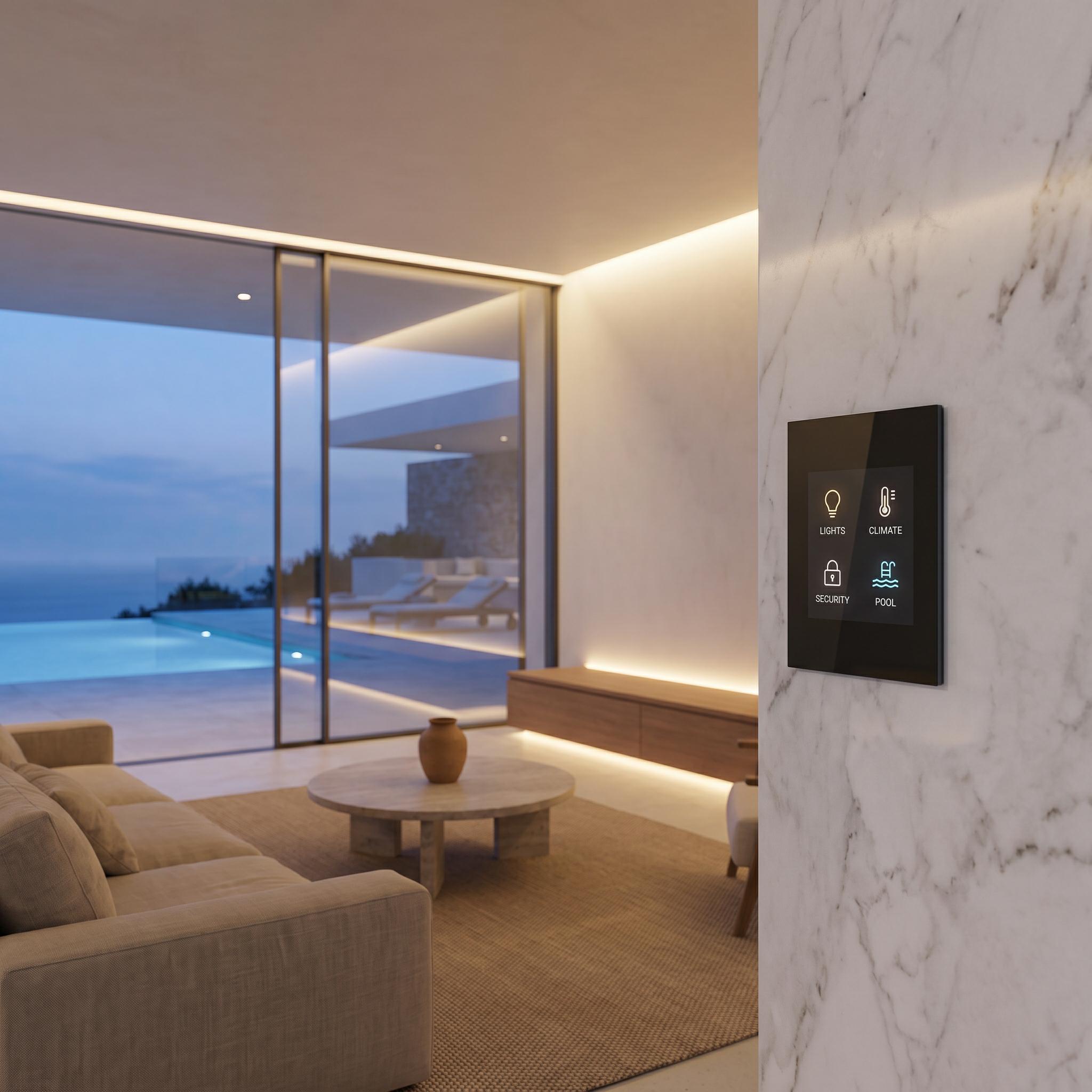
Why Retail Signal Repeaters Ruin Smart Homes
Plugging off-the-shelf extenders into wall outlets introduces three critical engineering bottlenecks into smart home automation systems:
-
Up to 50% Throughput Loss (Half-Duplex Bottleneck): Basic repeaters use a single radio to receive packets from the router, switch modes, and retransmit data to client devices on the same channel. This process halves wireless throughput and doubles network latency.
-
SSID Confusion and Roaming Issues: Inexpensive extenders frequently broadcast secondary network names (e.g.,
Home_WiFi_EXT). As clients walk across the property, devices remain connected to the weak main router signal until the connection drops completely, causing control apps to lag during room transitions. -
2.4GHz Spectrum Congestion: Most IoT hardware (smart switches, motorized shade controllers, thermostat bridges) operates on the 2.4GHz band. Cheap repeaters flood the 2.4GHz spectrum with retransmitted overhead traffic, disrupting signal transmission to smart home bridges.
Architectural Challenges: RF Attenuation in Luxury Estates
Luxury homes feature high-end building materials that attenuate radio frequency (RF) signals:
-
Italian Marble and Slate: Dense stone walls attenuate 5GHz Wi-Fi signals by up to 20 dB per wall.
-
Low-E Smart Glass: Energy-efficient, metallic-coated glass acts as an RF barrier, preventing indoor Wi-Fi signals from reaching outdoor terraces.
-
Reinforced Concrete Slabs: Cast-in-place concrete floors block signals between basement wine cellars, main living areas, and upper floors.
While running CAT6A copper or fiber cables is standard for new construction, historical renovations or finished architectural homes often prevent rewiring due to Venetian plaster or custom stonework. These environments require an enterprise-grade wireless relay solution.
The Integrator’s Guide: Todahika’s Multi-Node Architecture
To eliminate dead zones while maintaining smart home network stability, professional integrators utilize Todahika’s three hardware deployment strategies:
1. Tri-Band Mesh Nodes with Dedicated Backhaul
When running an Ethernet cable to a remote guest house or pool cabin is impossible, avoid single-radio extenders.
Deploy Todahika enterprise-grade tri-band mesh nodes. These units reserve a dedicated 5GHz or 6GHz radio band exclusively for node-to-node backhaul communication. The remaining 5GHz and 2.4GHz bands handle client and IoT traffic, maintaining gigabit speeds without throughput penalties or increased latency.
2. In-Wall PoE Wireless Access Points
High-end interior designs often prohibit surface-mounted plastic APs on custom wood or stone walls.
Where cable drops exist near baseboards, integrators install Todahika in-wall access points (APs). Designed to fit standard electrical junction boxes, these low-profile APs integrate into luxury interiors while delivering local Wi-Fi 6 coverage and providing pass-through Ethernet ports for devices like smart TVs or Apple TVs.
3. Dedicated Outdoor Point-to-Point (PtP) Bridges
Extending network coverage across 100 feet of dense landscaping to a perimeter gate camera or detached dock requires a targeted approach rather than relaying indoor signals through windows.
Mount a compact pair of Todahika 5GHz wireless bridges under the main roof eaves to direct a narrow RF beam to the target structure. Connecting a Todahika outdoor AP to the receiving bridge delivers low-latency coverage across distant exterior areas.
Network Optimization: Fast Roaming and IoT Isolation
Proper network management software is essential to prevent system crashes. Todahika gateways and APs feature enterprise management tools built directly into the Web GUI:
-
Hardware-Assisted Fast Roaming (802.11k/v/r): As users move across a 12,000-square-foot property, the Todahika controller hands off client devices between access points in under 30 milliseconds, preventing dropped frames during video calls or audio streaming.
-
Dedicated IoT VLANs: Integrators can isolate smart home hardware (Lutron, Control4, IP cameras) on a dedicated, hidden 2.4GHz SSID. Keeping guest devices and laptops on separate 5GHz/6GHz networks protects control systems from bandwidth congestion caused by heavy video streaming.
Delivering Estate-Grade Reliability
High-net-worth clients demand consistent system performance everywhere on their property. Avoid risking client satisfaction and brand reputation on cheap consumer range extenders.
Designing a network for a luxury residential build or historic renovation project? Submit your building floor plans to the Todahika engineering team to receive a customized predictive heatmap and a recommended hardware configuration tailored to your project requirements.
Post time: Jul-10-2026


